Send the tile. Keep building.
Choose work on your phone, send it to a bounded GitHub Actions runner, and close your laptop. Vyben keeps the coding job off your personal computer, returns a review branch, and opens a draft pull request only after you inspect and approve the result.
Stop squinting at minified text.
Typing code on a phone is a broken experience. Vyben replaces the keyboard with high-level conversation. Your codebase becomes tiles—one for every API, flow, and data store. Vibe code directly on the tile you want to change, map the system, and only drill into the raw code when you actually need to.
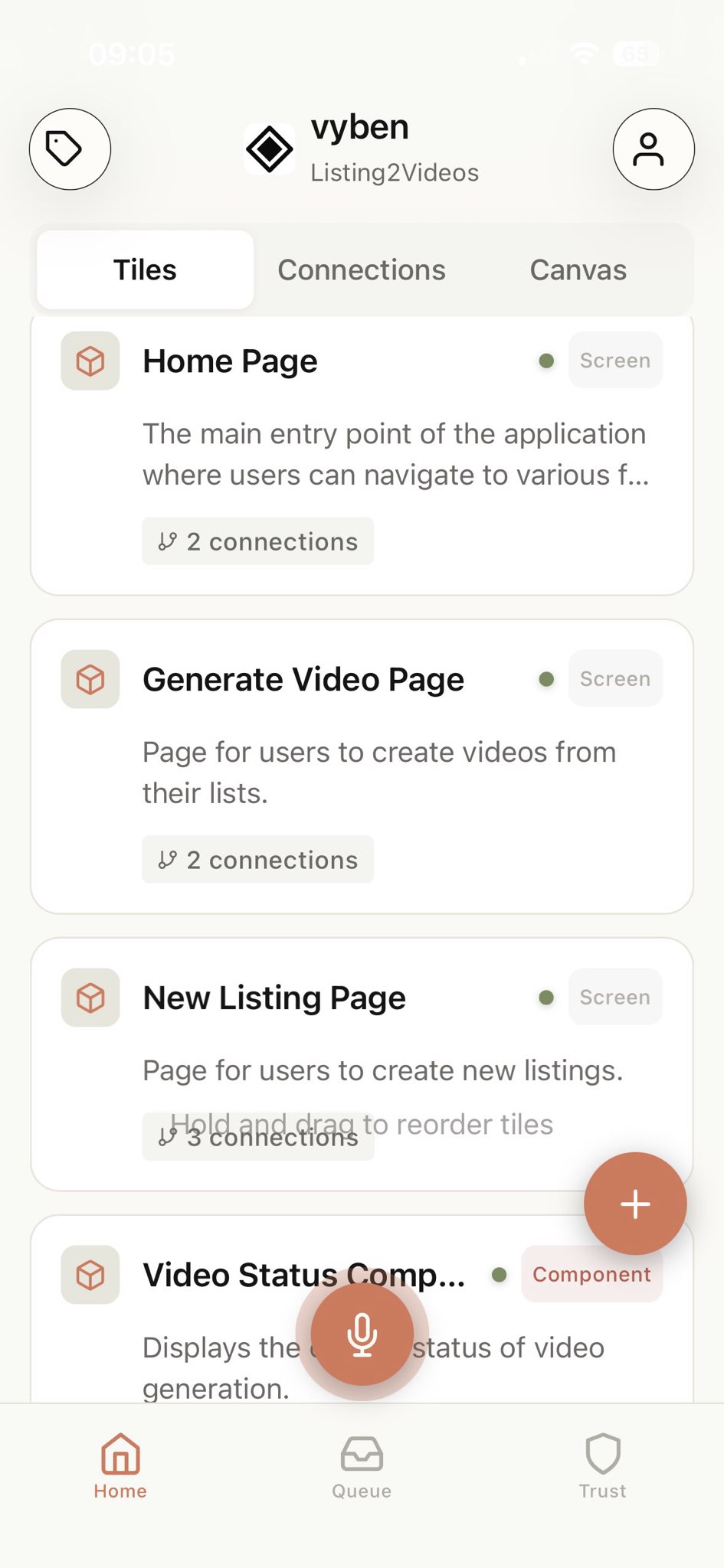
Logic Tiles
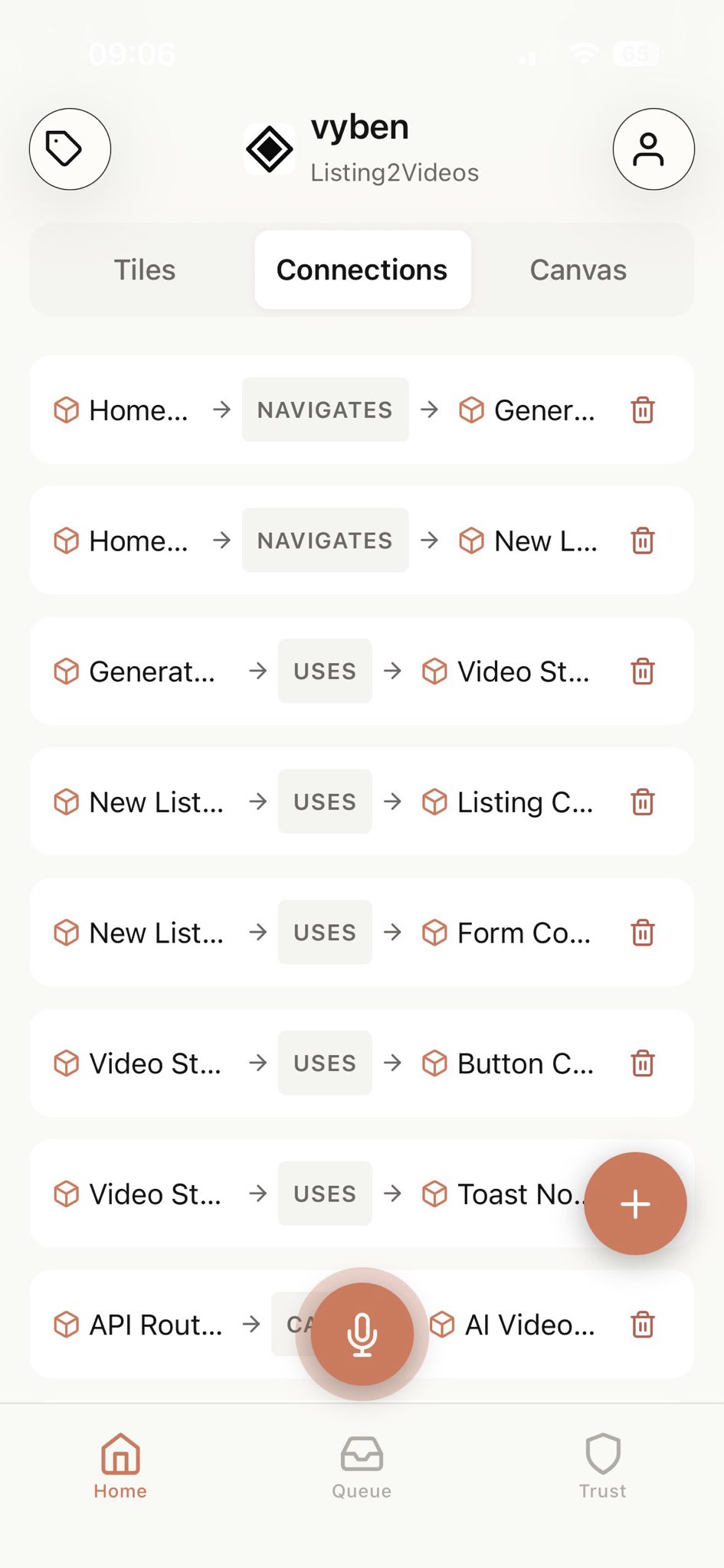
Connections
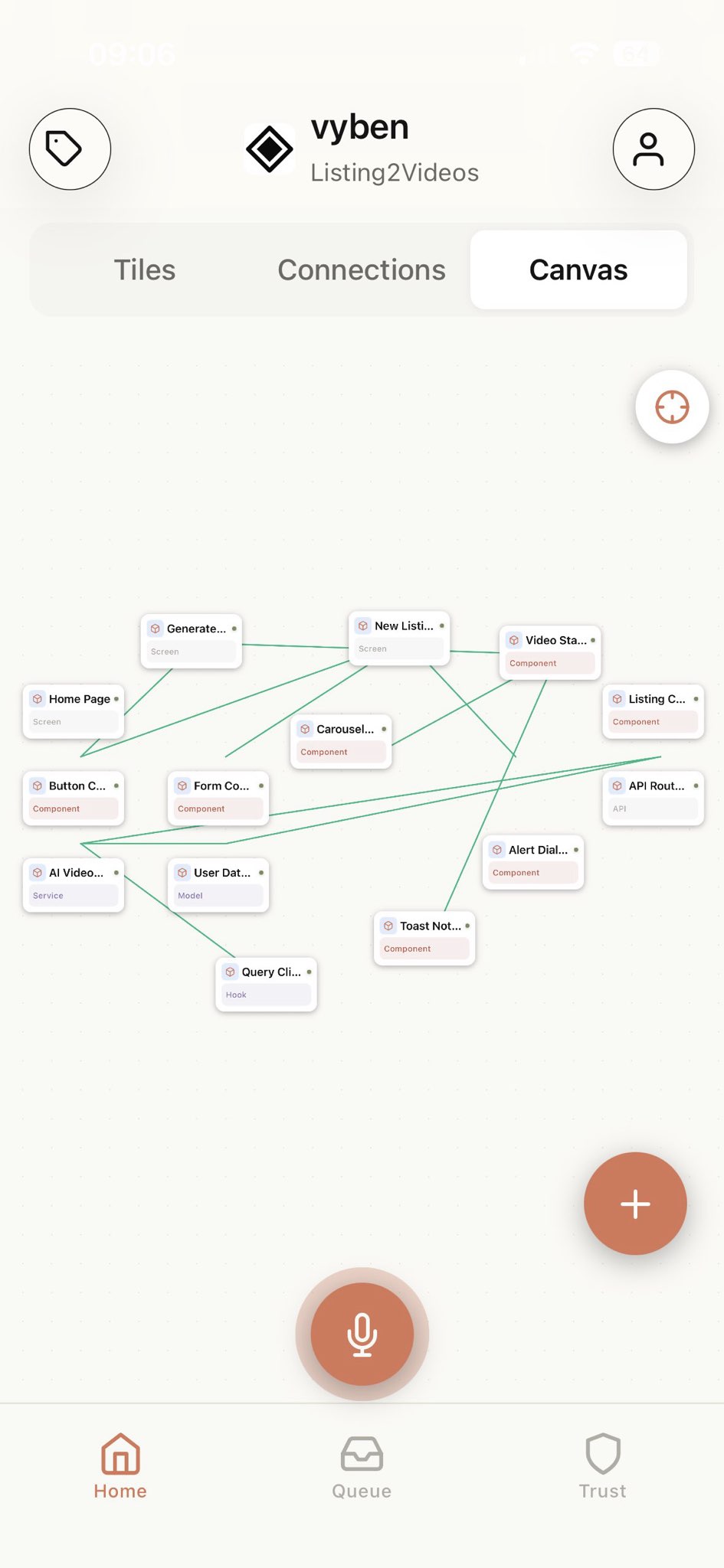
Visual Canvas
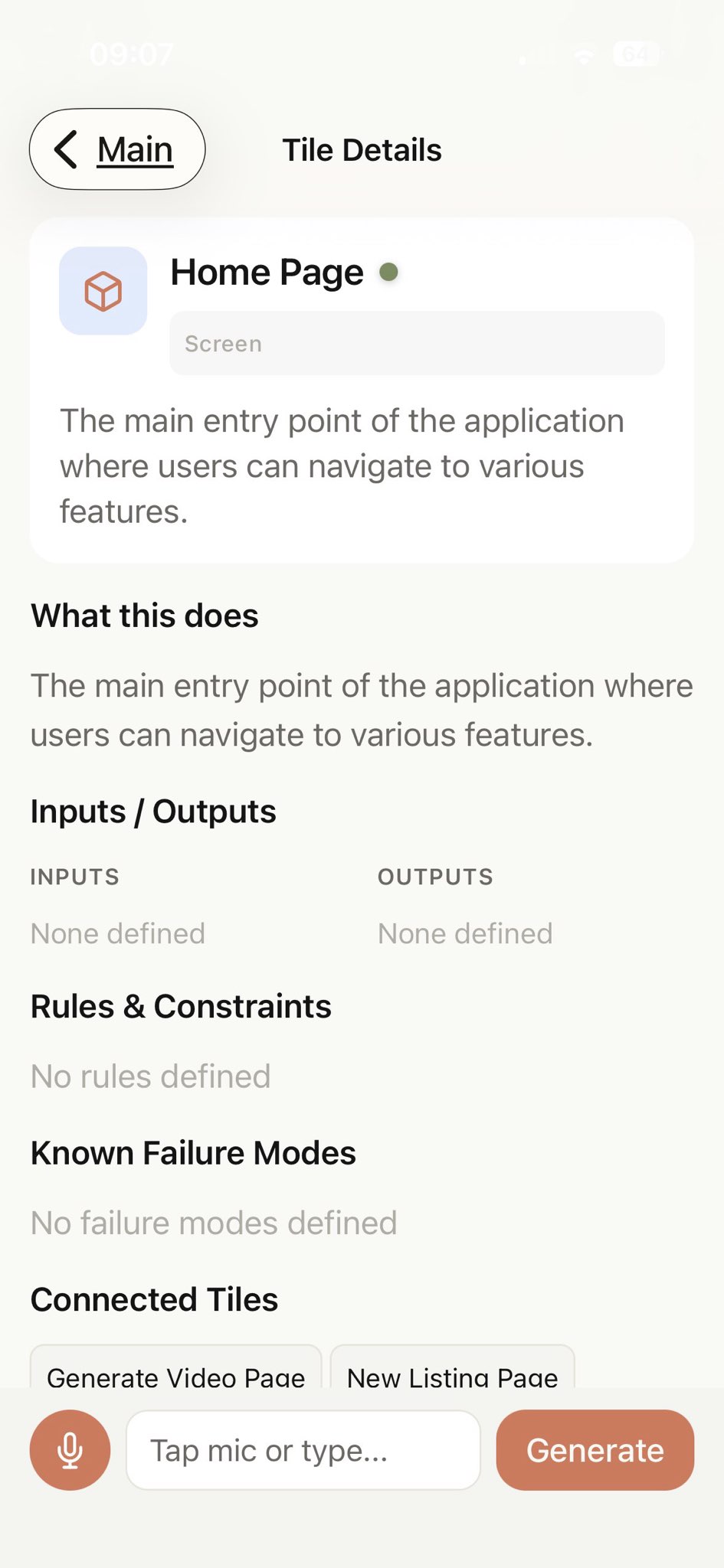
Deep Context
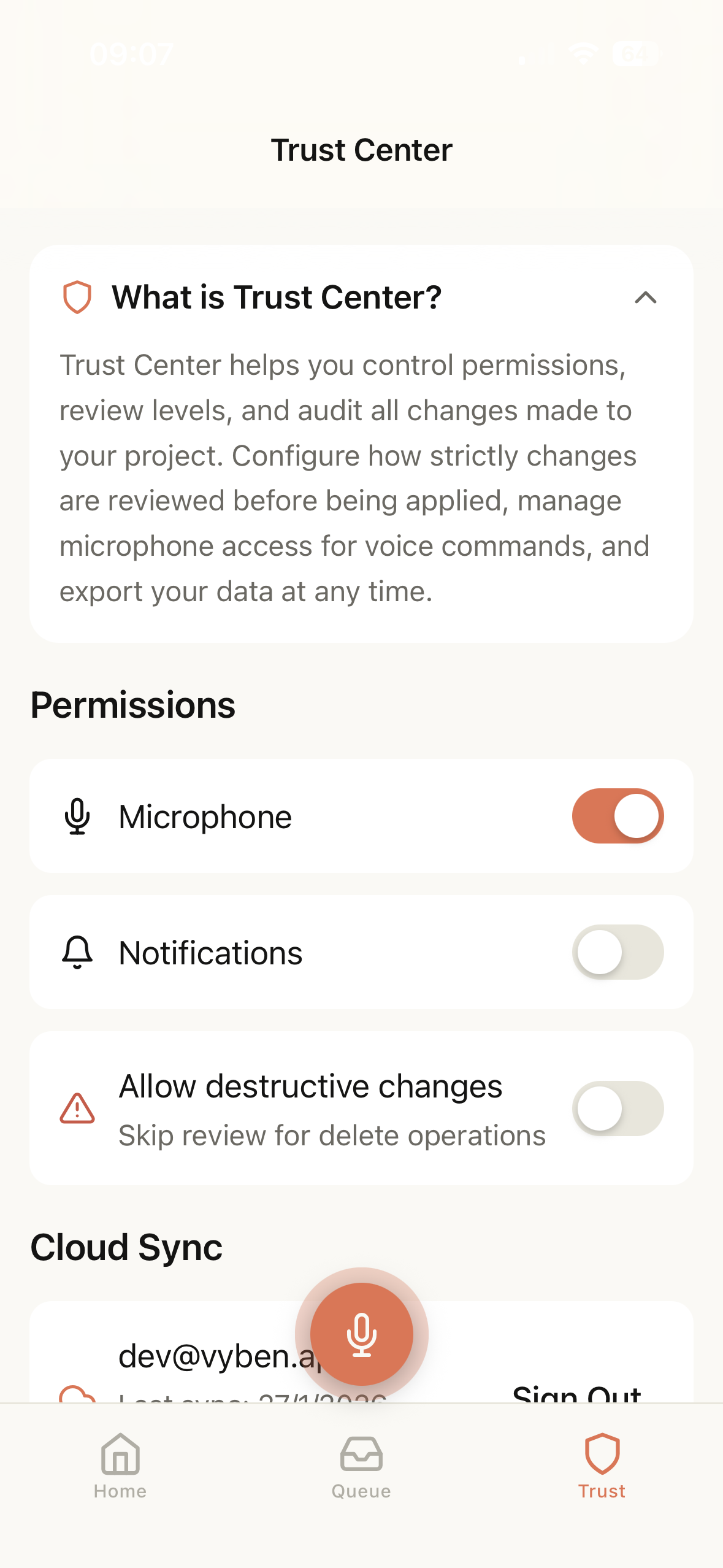
Trust Center
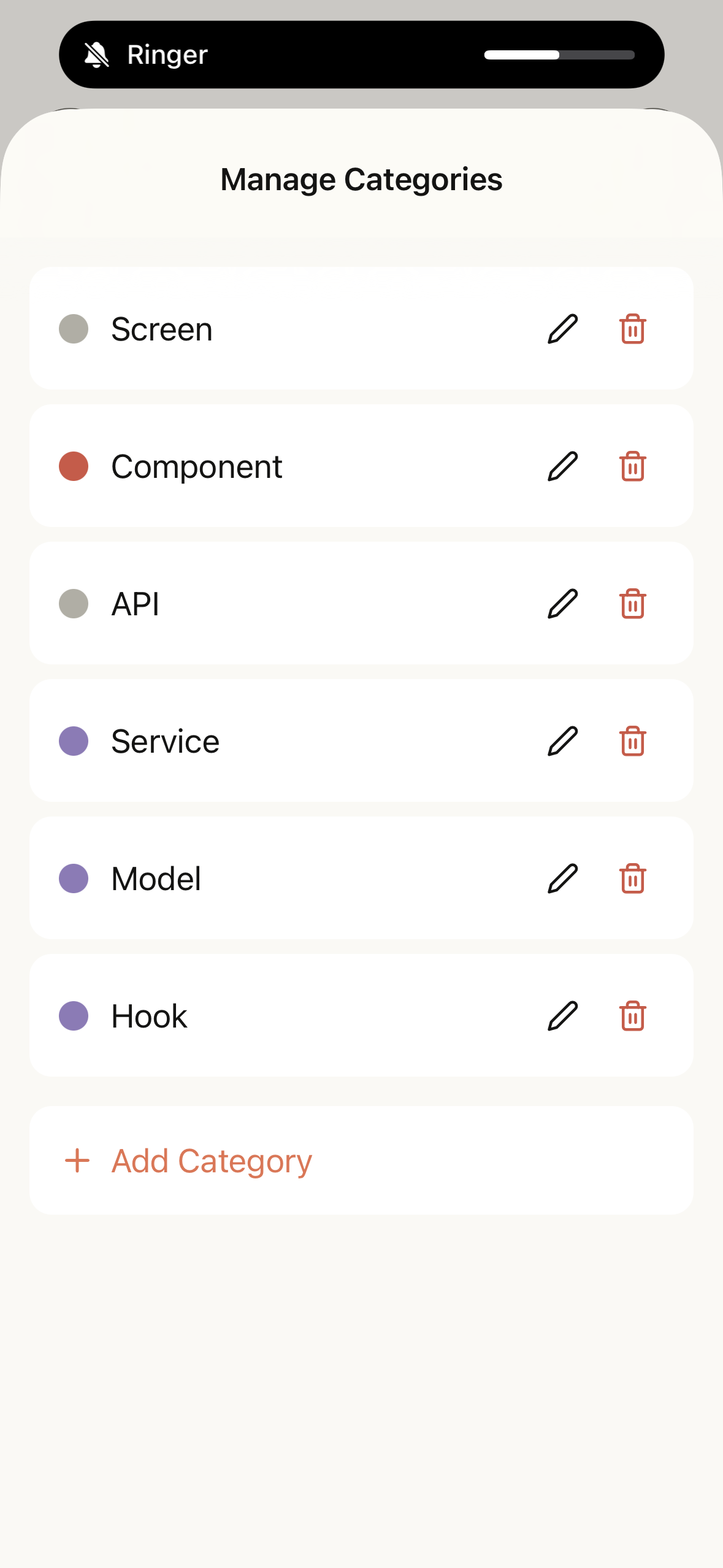
Categories
Your computer can stay off.
Connect the least-privilege Vyben GitHub App, choose a repository and tile, then dispatch a bounded Codex job to GitHub-hosted Actions. The agent job has read-only repository credentials. A separate finalisation job can create only an isolated review branch after validating the handoff.
Powered by The Dude. Built for vibe coders.
Meet The Dude—your dedicated AI coding assistant. He doesn't just autocomplete text; he understands your architecture. Tell him what to build via voice or text, and he'll translate your thoughts into logic tiles in seconds, giving you an architecture-first view of your entire stack.
Drop a tile onto the agent you want.
Vyben's control plane already reserves provider-neutral connections and tile assignments. OpenClaw and Hermes are coming next and remain disabled today; the first supported computer-off executor is the bounded Codex runner.
How it works
1. Connect a repository
Install the Vyben GitHub App only on repositories you choose, then select the repository, base branch, and tile you want to change.
2. Run it in the cloud
Add a bounded instruction and dispatch it to a temporary GitHub-hosted runner. Your Mac or PC does not need to stay awake or online.
3. Inspect before the PR
Review the changed files and tests first. Approval creates a draft pull request on the isolated branch; Vyben never merges your default branch.
A canvas for every stage of the build
Seamless continuity
Send an auth fix on the train while your computer stays off, then inspect the review branch before you arrive.
Map data flows
Visually trace how a single database change ripples through your frontend components.
Feature Queue on the go
Have an idea in the shower? Drop it into the Feature Queue via voice to implement later.
Living documentation
Your architecture diagram is your codebase. When the code changes, the tiles update.
Generate scaffolds
Spin up entire system foundations without touching a keyboard.
Not a doc. A build canvas.
System-level clarity
Stop hunting through scattered docs and fifty open tabs. See your entire system in one unified view on your desktop companion or mobile device.
Voice-first speed
Create and connect components as fast as you can think. Just speak to the canvas and let The Dude handle the boilerplate.
You approve every line
AI generation with strict human-in-the-loop review. You approve every line before it ships to GitHub.
Ownership & control
Bring your own keys (BYOK). We don't lock you into a single model. Full audit logging and easy data export whenever you need it.
Trust & control
Bring your own API keys
We don't lock you into ours. Plug in your own keys and manage your own usage limits securely in the Cloud Portal.
Provider-ready architecture
The computer-off runner launches with Codex. OpenClaw and Hermes remain explicit roadmap providers and will appear only when their secure adapters are enabled.
GitHub-native Change Queue
No code is committed or applied without your explicit approval in the review queue, routed safely through your existing GitHub controls.
Audit logging & export
Track every change, review your generation history, and export your system maps at any time.
Sign up for early access.
Frequently asked
Is Vyben just another mobile IDE?
No. Most "mobile IDEs" are just text editors crammed onto a 6-inch screen. Vyben is a visual canvas where your codebase is represented as tiles. You vibe code by talking to the tiles, not typing raw text.
How is Vyben different from Anthropic Remote Control / Claude Code?
Vyben is organised around visual work tiles and review branches. The remote job runs in GitHub Actions rather than on your personal computer, and no draft pull request is opened until you approve the reviewed result.
What is The Dude?
He's the AI coding assistant that really ties the whole app together. Just speak your logic and he takes it easy, effortlessly spinning up the implementation code while you vibe. He'll queue the changes for your review whenever you get around to it—no stress, man.
What’s the cloud portal for?
The existing portal manages keys and project history. The retired portal OAuth flow is no longer used; the least-privilege GitHub App and remote coding workflow are completed in the mobile app.
Which models can I use?
The app shows only models supported by the configured provider. The first computer-off runner uses Codex through your encrypted BYOK key; roadmap providers are clearly marked and cannot be selected yet.
Do you store my API keys?
We operate on a strict bring-your-own-keys (BYOK) philosophy. Your keys, your control.
Is Vyben available on Android?
iOS first, Android is on the roadmap.
Can I export my data?
Yes. You can export your system maps and history at any time.